

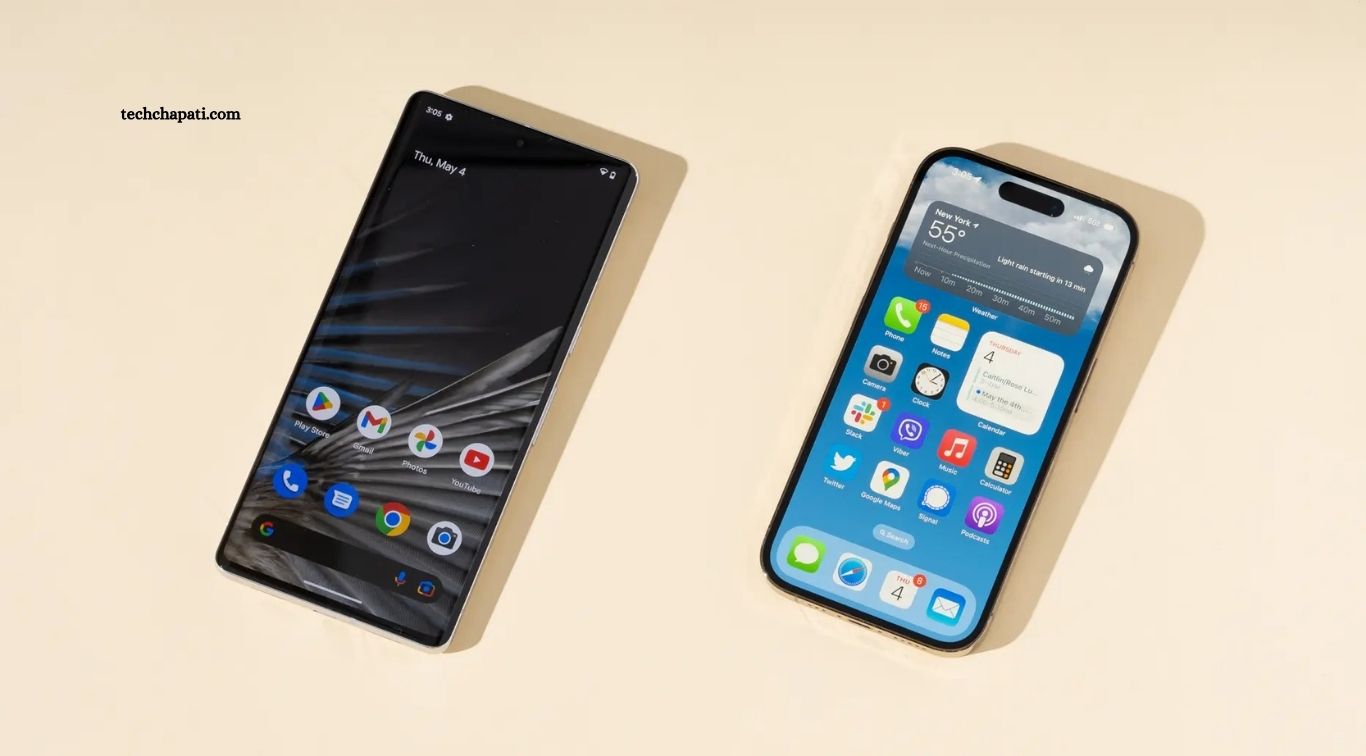
Android 16 is officially available, and by November 2026 most major brands have rolled it out in India, at least for their recent flagships and popular mid range phones. If you own a Pixel, Samsung, OnePlus, Xiaomi, Vivo, OPPO, Motorola or iQOO phone, there is a good chance your phone is eligible, but the exact timing depends on your brand, your model and your region.
The confusion is real, because Android 16 does not look the same on every phone. On a Pixel it is close to stock Android. On Samsung it arrives as One UI 8 or One UI 8.5. On OnePlus it arrives as OxygenOS 16. On OPPO it arrives as ColorOS 16. On Vivo and iQOO it arrives as OriginOS 6. The Android version underneath is the same, but the name, the look and the rollout date are different.
This guide gives you a clear India list of eligible phones by brand, explains the new features that actually matter, shows you how to check and install the update safely, and tells you what to do if your phone will not get Android 16.
Android 16 at a glance
Google officially rolled out Android 16 on 10 June 2025, earlier than usual, and Pixel phones were first to get the stable update. Samsung, OnePlus, Xiaomi and Motorola followed with their own Android 16 based updates for flagships, then expanded to mid range and budget models through late 2025 and 2026. By November 2026, the rollout is largely complete for phones launched in 2023 or later, and it is still reaching some older mid range and budget models in phases.
One important note for November 2026: Vivo has already announced OriginOS 7 based on Android 17, with the first phones in India scheduled to get it from the end of October 2026, and Samsung has also started listing Android 17 based One UI 9 rollouts for some models. That does not make Android 16 old or useless. For most users, Android 16 is the current stable version on their phone, and Android 17 will reach only the newest flagships first.
What is new in Android 16
Android 16 brings several useful changes, though not all of them are visible on every brand skin. Live Updates give you real time progress for food delivery, cab rides and navigation in a compact pill on your lock screen and notification shade. The desktop windowing mode on large screen devices lets you use apps in resizable windows, which is useful on tablets and foldables. Adaptive refresh rate improvements help battery life, and new camera features give apps better control over night mode, exposure and colour temperature.
Privacy and security also improve. Android 16 adds stronger protection against unwanted tracking, better permission controls, and a new Advanced Protection mode for users who want maximum security. Battery health tools show more detail about your battery condition, and the new predictive back gesture and smoother animations make navigation feel more polished. On Samsung, OnePlus and Vivo phones, many of these features are wrapped in the brand own design, so the exact look may differ from a Pixel.
Google Pixel: eligible phones
Pixel phones get Android updates first and for the longest, and the official list is clear. Android 16 over the air updates are available for Pixel 6 and 6 Pro, Pixel 6a, Pixel 7 and 7 Pro, Pixel 7a, Pixel Fold, Pixel Tablet, Pixel 8 and 8 Pro, Pixel 8a, Pixel 9, 9 Pro, 9 Pro XL and 9 Pro Fold, and Pixel 9a. Newer Pixel models launched in 2026 also ship with or update to Android 16.
If you have a Pixel 6 or newer, your phone should already have Android 16 or be able to install it now. Pixel 5 and older models do not get Android 16, though they may still get security updates for a limited time depending on the model.
Samsung: eligible phones in India
Samsung is the biggest Android brand in India, and its Android 16 update arrives as One UI 8 or One UI 8.5 depending on the model and timing. Galaxy S series flagships from the S22 series onwards are eligible, including the S22, S22 Plus, S22 Ultra, S23 series, S24 series and S25 series. Galaxy Z Fold and Z Flip models from the Fold 5 and Flip 5 onwards are also eligible, as are recent Galaxy A series phones such as the A54 5G, A55 5G, A35 5G and newer A series models.
Samsung promises long software support for its recent phones, with up to six or seven years of updates on flagship models and several years on mid range models. That means a Galaxy A54 or A55 bought in India is likely to get Android 16 and still receive security updates after that. Check the exact model number in Settings, because Indian variants can differ from global variants, and the rollout can arrive in batches by region and carrier.
OnePlus and OPPO: eligible phones
OnePlus released its Android 16 based update as OxygenOS 16, and OPPO released its version as ColorOS 16. The global ColorOS 16 rollout began on 6 November, reaching the Find X8, Find X8 Pro and Find N5 first, followed by the Find N3, Find N3 Flip and OPPO Pad 3 Pro from 11 November, with Find X9, Reno14 and Reno15 series devices added in a later update in July 2026.
For OnePlus, OxygenOS 16 is rolling out to the OnePlus 13, 13R, 13s, 12, Open, Pad 3 and Pad 2. Older OnePlus models such as the OnePlus 11 are also in the Android 16 eligible list in many India guides, though the exact timing depends on the model and region. If you own a OnePlus 12 or newer, you should already have the update or be able to check for it now.
Xiaomi, Redmi and POCO: eligible phones
Xiaomi, Redmi and POCO phones get Android 16 through HyperOS, which is Xiaomi Android 16 based software. The rollout began with premium models such as the Xiaomi 13 Pro and Xiaomi 14 series, then expanded to Redmi Note series and POCO mid range models. Exact eligibility depends on the model and launch year, and Xiaomi usually publishes a list on its India community and support pages for each HyperOS version.
As a rule, Xiaomi and Redmi phones launched in 2023 or later with a flagship or upper mid range processor are more likely to get Android 16, while budget phones launched before 2023 are less likely. Check the HyperOS version in Settings to see whether your phone is already on an Android 16 base.
Vivo and iQOO: eligible phones
Vivo and iQOO phones get Android 16 as OriginOS 6, which replaced Funtouch OS on supported models in India. The stable rollout began in early November 2025, starting with the Vivo X Fold 5, X200 Pro, X200 and X200 FE, plus the iQOO 13. It continued in mid November 2025 with the iQOO 12, in mid December 2025 with the iQOO Neo 10, Neo 10R and Neo 9 Pro, and in the first quarter of 2026 for remaining eligible devices, including the Vivo T4 5G from 25 January 2026.
Vivo Y series models such as the Y400 Pro 5G, Y400 5G, Y300 5G, Y300 Plus 5G, Y200 Pro 5G, Y200e 5G, Y58 5G, Y39 5G and Y31 Pro 5G are on the rollout schedule, so check your exact model in Settings. Not every older Vivo or iQOO phone qualifies, and eligibility depends on your model and region, so check the official Vivo India list for your exact phone.
Motorola and other brands: eligible phones
Motorola has rolled out Android 16 to its recent Edge and Moto G series phones, including the Motorola Edge 40 and newer Edge models, plus recent Moto G Power and Moto G Stylus models in India. Motorola software is close to stock Android, so the update looks similar to a Pixel, with fewer brand changes.
Other brands such as Realme, Nothing, Infinix and Tecno have also published Android 16 lists for their recent models. Realme phones get Android 16 through Realme UI, Nothing phones get it through Nothing OS, and the exact list varies by model and launch year. If your phone was launched in 2024 or 2025, check the brand support page, because it is likely to be eligible.
How to check if your phone will get Android 16
The fastest way is to check on your phone. Go to Settings, then System or About phone, then Software update or System update, and tap Check for updates. If Android 16 is available, you will see the update size, the version name and the changelog. If it says your phone is up to date but you think it should get Android 16, your model may be in a later rollout batch, or it may not be eligible.
You can also check the Android version you are already on. Go to Settings, then About phone, then Android version. If it shows Android 16, you already have it. If it shows Android 15 or older, and your model is in the lists above, the update may arrive in the next few weeks. Rollouts happen in phases, so two phones of the same model bought in different cities can get the update on different days.

How to install Android 16 safely
Before you install a major Android update, back up your important photos, contacts and WhatsApp chats to Google Drive or another backup. Charge your phone to at least 50 percent, or keep it plugged in during the update, and connect to a stable WiFi network, because the update can be 2 GB or more and mobile data may be slow or costly.
Go to Settings, then System, then Software update, and tap Download and install. Do not switch off your phone, do not remove the SIM, and do not force restart during the update. The phone will restart once or twice, and the first boot after the update can take longer than usual. After the update, check that your banking apps, UPI apps and work apps open correctly, and update them from the Play Store if needed.
If the update does not appear, wait a few days and check again. Do not download Android 16 from unknown websites or install unofficial firmware, because that can void your warranty, break banking apps, and put your data at risk. Only install updates from Settings or from the official brand website.
What to do if your phone will not get Android 16
If your phone is not on the eligible list, it will still work, but it will not get new Android features. It may still get security updates for some time, depending on the brand. You can keep using it safely if you keep your apps updated, use a strong screen lock, and avoid installing apps from unknown sources.
When you are ready to upgrade, choose a phone with a long update promise. Samsung flagships offer up to seven years of updates, Pixel phones offer seven years, and OnePlus and Motorola flagships offer four to five years. A phone with a long update promise costs more upfront but lasts longer, which is better value in India where many users keep a phone for three to four years.
FAQ
Will my phone get Android 16 in India?
It depends on your brand and model. Pixel 6 and newer, Samsung Galaxy S22 and newer, OnePlus 12 and newer, and recent Vivo, OPPO, Xiaomi and Motorola flagships are eligible. Check Settings, then System, then Software update to see if it is available for your exact model.
How do I check for the Android 16 update?
Go to Settings, then System or About phone, then Software update, and tap Check for updates. If Android 16 is available, you will see the download option. Rollouts happen in phases, so it may arrive a few days later than for other users with the same model.
Is Android 16 the same as One UI 8 and OxygenOS 16?
Android 16 is the base Android version from Google. Samsung calls its version One UI 8 or One UI 8.5, OnePlus calls it OxygenOS 16, OPPO calls it ColorOS 16, and Vivo calls it OriginOS 6. The Android version underneath is the same, but the design and features differ by brand.
What are the best new features in Android 16?
Live Updates for delivery and cab tracking, desktop windowing on tablets and foldables, better battery health tools, stronger privacy controls, and smoother animations are the most useful new features for most users.
Will Android 16 slow down my old phone?
Android 16 is designed to work on phones from 2023 onwards, but on older or budget phones it can feel slightly slower at first. Restart your phone after the update, clear cache for heavy apps, and give it a day to settle. If it stays slow, check storage and RAM usage in Settings.
Should I install Android 16 as soon as it arrives?
Yes, for most users it is safe to install when it appears in Settings, because it is a stable official update. Back up your data first, charge your phone, and use WiFi for the download. If you rely on a specific banking or work app, check that the app is updated after the Android update.
Conclusion
Android 16 is now available for most recent Android phones in India, from Pixel and Samsung to OnePlus, Xiaomi, Vivo, OPPO and Motorola. The exact name of the update depends on your brand, One UI, OxygenOS, ColorOS, OriginOS or HyperOS, but the Android version underneath is the same. Check Settings for the update, back up your data before you install it, and use WiFi and a full battery for a safe install.
If your phone is eligible, install Android 16 when it arrives and enjoy the new Live Updates, privacy controls and smoother performance. If your phone is not eligible, keep it updated with security patches and plan your next phone around a long software update promise, so you do not face the same question again in two years.
